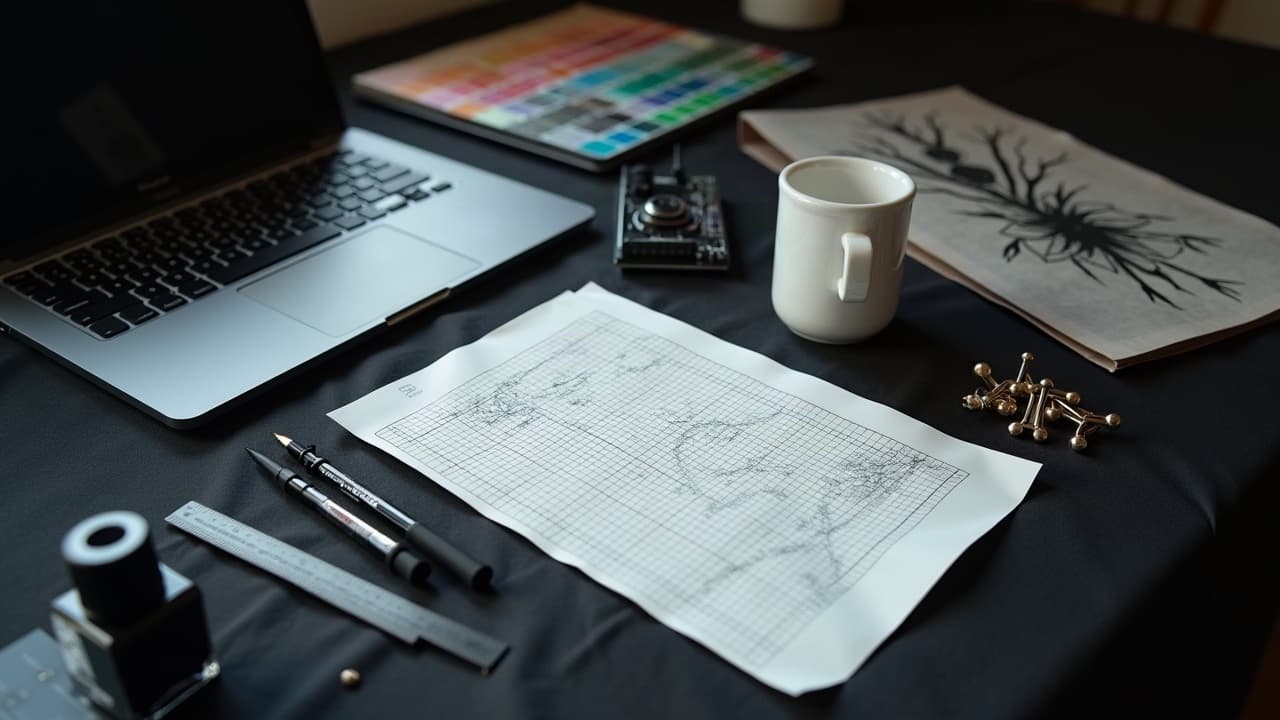
Studios that structure AI tattoo prompts into short sprints typically produce more viable drafts per hour and get faster client buy‑in. The pattern is simple, and repeatable, and it does not replace the artist’s eye. It turns scattered ideas into a shared canvas so your team can move from concept to stencil without creative drift.
Set the project guardrails before you prompt
Collaborative AI tattoo prompts work best when everyone knows the boundaries. Capture constraints before the first render so the model is steering inside the lane you would draw in anyway. Define placement, size, budget ceiling, skin tone, and style lineage. Put it in a one‑page brief the team can glance at during every round.
- Write a mini style guide, include 3–5 reference artists and ban list items, like “no biomech” or “no micro text under 8 pt.”
- Lock practical specs, for example forearm outside, 12–15 cm tall, healed read from 1 meter, budget $300–$800, session target 1–2 sittings.
- State non‑negotiables, memorial dates, religious symbols, cultural motifs that require approval by a consultant or the client’s family.
- Note technical realities, fine line on elbows tends to blur, heavy black heals truer on rich skin tones; include your shop’s healing window of 14–28 days.
- Pick a file naming rule up front, for example clientname_theme_v01, and a review cadence, for example 30–60 minute daily.
If your team does sleeves or multi‑session work, align on sequencing early. Map upper arm to forearm flow and overlap motifs to reduce awkward gaps. For planning beyond one sitting, see our multi‑session strategies guide. You can still improvise later, but the prompt needs a backbone first.
Build a shared prompt library the whole shop can use
Treat prompts like stencils for ideas, reusable and improvable. Create a central library in Notion, Google Sheets, or Airtable with tags for placement, style, subject, and ink approach. Include short outcomes, good failures, and credits for who tuned what. That social graph makes better prompts spread faster between artists.
Start with a few reliable skeletons and encourage teams to swap the variables, not the verbs. Keep verbs and modifiers you trust, then trade nouns, anatomy, or eras. Add style capsules that play nice together, for example “dotwork shading, high negative space, three-value blackwork” or “neo‑traditional palette, saturated reds, clean whip shading.”
- Placement-first template, “upper outer forearm, vertical flow, readable from 1 meter, crisp line priority, subject = {heron}, style = {Japanese wave motifs}, shading = {light stipple}, avoid = {photoreal feathers}.”
- Composition template, “rule of thirds focal, counterflow secondary, 20 percent negative space, line weights 0.25–0.45 mm simulated, background wash minimal.”
- Story template, “motif pair equals transformation, before and after device, include date hidden in foliage, tone is hopeful, avoid horror tropes.”
If your studio explores unusual aesthetics, park those in their own shelf so they do not bleed into client‑safe defaults. For inspiration outside the mainstream, check our unconventional styles primer.
Run high‑yield brainstorming without the chaos
Classic group brainstorming can stall, louder voices dominate, and idea count drops. Research summarized by the Harvard Business Review and the Nielsen Norman Group shows that brainwriting and short, asynchronous sessions produce more, and better, ideas than long open talks. In tattoo teams, the same holds true with AI prompting.
- Kickoff, 10 minutes, show the brief and 3 references, confirm constraints and taboo motifs.
- Round‑robin prompting, 15 minutes, each person writes one variant of the same base prompt, no talking, then swap and add one constraint.
- Silent voting, 5 minutes, dot‑vote top 3 concepts for a focused second round.
- Divergent pass, 10 minutes, explode the winner in three directions, scale, palette, or motif swap.
- Convergent pass, 10 minutes, pick one keeper per direction and write a precise next prompt with traceable deltas.
Keep the energy short and visual. Park extended talk in a notes column and keep the model running. If the client is present, give them a private lane to submit adjectives so they feel heard without derailing the cadence. Most clients love seeing round‑robin prompting turn into a tight short list in under 60 minutes.
Turn feedback into structured prompt edits, not rewrites
Teams burn time by rewriting prompts from scratch. Use a delta log instead, so edits are traceable. Write changes as bullets that map to the previous output. For example, “increase negative space from 15 to 25 percent,” “swap lilies for lotus,” “lower contrast by 20 percent on background clouds.” Then paste those bullets as modifiers. This creates a clean revision trail that anyone in the shop can continue.
Use a feedback rubric with 3 lenses, readability at 1 meter, fidelity to symbolism, and tattooability on the chosen anatomy. If you want a ready scaffold, borrow from our prompt feedback playbook. Tie every comment to one lens so the next prompt is surgical. Vague notes like “make it pop” become concrete when you say “increase focal contrast by 15 percent.”
Collaborate across roles and cultures with intent
Great collaborative design pulls in more than artists. Invite a project manager to time‑box, a lettering specialist to sanity‑check kerning, and a cultural consultant if you are referencing living traditions. Build a line in the brief that names who can veto what. It keeps the art strong and the process kind.
On cultural material, ask for context and permission, then document it. The AI can assist with motif research, but the call to use or not use belongs to people. When safety topics appear, lean on credible medical sources. The American Academy of Dermatology and Healthline both publish practical, non‑alarmist guidance that helps teams advise clients responsibly without overstepping into medicine.
Version control and handoff that never loses the good take
Nothing kills momentum like losing the perfect iteration. Treat designs like code. Give every file a home, a name, and a short changelog. Keep assets in Figma, FigJam, Dropbox, or Google Drive with restricted edit rights and a read‑only lane for clients. Screenshots belong next to the prompt that created them.
- File names, clientname_theme_v03_shortdesc.png and clientname_theme_v03_prompt.txt so art and words travel together.
- Changelog, a single Notion page per project, what changed, why, and who approved it, 5 bullet max per day.
- Color control, keep a neutral mockup background and lock a sRGB profile for consistency between screens.
- Print tests, one A4 at 100 percent scale per keeper, taped to a wall for 24 hours to judge readability across a room.
When the concept stabilizes, export a stencil‑ready version with line weights tested for the body site. If your studio leans heavy on blackwork, cross‑reference with our blackwork contrast guide to keep solid blacks, mid‑tones, and open skin balanced.
Test on skin early with virtual try‑on
Scale, warp, and body movement can surprise even seasoned artists. Before you fall in love with a flat render, preview on actual skin. Use a virtual try‑on to catch tangents at elbows or kneecaps and to test negative space against real anatomy. It saves redraws and avoids last‑minute compromises at the stencil stage.
Upload your keeper comps to AI for Tattoo’s try‑on, adjust scale, rotation, and placement, then export notes for the next prompt round. If you are still exploring directions, generate new variations directly in our creator and compare side by side. For palette choices and style scouting, browse styles or study narrative tricks in our contrast storytelling guide.
When client approval is close, align on aftercare realities that affect design choices. High‑shear placements and dense fills need gentler recovery. The AAD notes typical outer‑layer healing in roughly 2–3 weeks, deeper settling longer, and aftercare basics remain simple, cleanse gently and moisturize (American Academy of Dermatology). Healthline’s primers echo 14–28 days for first‑phase healing and simple balms like Aquaphor, Hustle Butter, or Mad Rabbit (non‑sponsored examples) can help keep things comfortable (Healthline).
Ethics, IP, and ink safety when AI is in the room
Be explicit about ownership. Your proposal should state that the final tattoo design, as a derivative human‑directed work, is licensed to the client and cannot be resold as flash unless agreed in writing. Keep a revision trail to evidence human authorship. If you use third‑party generators, check their terms regarding commercial use and training data provenance.
Safety does not change because AI helped. Patch tests for stencil adhesives and honest conversations about pigment loads still matter. The U.S. FDA monitors tattoo inks but does not pre‑approve pigments, contamination advisories do happen, and studios should track supplier lot numbers (U.S. FDA on tattoo inks). For skin reactions, redirect clients to medical resources like the AAD, and keep product suggestions non‑prescriptive.
From AI draft to stencil‑ready art without losing soul
Treat AI outputs like charcoal thumbnails. The last 20 percent, line rhythm, texture, and flow, is human. Pull your keeper into Procreate, Clip Studio Paint, or Adobe Illustrator and clean the line hierarchy. Simulate needle groupings, 3RL for hairlines, 9M for soft pack, so the drawing predicts the hand movement.
- Vectorize only what benefits from it, geometry and lettering, keep organic motifs hand‑drawn to preserve micro wobble that feels alive.
- Test three line weight stacks, for example 0.25/0.35/0.45 mm simulated, and print at 100 percent to judge flick and taper.
- Do a one‑hour shading study, whip versus pendulum, then annotate the stencil with arrows so a collaborator could execute your intent.
- If numbing is requested, confirm timing with the client, TKTX is common but plan for swelling changes; align with shop policy and client’s physician when needed (non‑sponsored examples).
Before you walk into the booth, rehearse the story of the piece as a team. One sentence on symbolism, one on flow, one on the boldest choice you made. That confidence translates into cleaner sessions and happier clients.
Ready to turn your team’s ideas into skin‑tested concepts, fast? Generate collaborative drafts in AI for Tattoo, then preview scale and flow with virtual try‑on. Keep the soul of hand‑drawn art, ship with the speed of structured prompts.
Try AI for Tattoo Free