AI for Tattoo — AI Tattoo Generator
AI for Tattoo is an AI tattoo generator and virtual try-on tool. Turn a written prompt into custom tattoo designs across 25+ styles, then preview each design on a photo of your skin.


Get inspired by beautiful tattoo designs generated with AI for Tattoo
Browse thousands of unique AI-generated tattoo designs from our community


Tattoo Blog
Read More
Tattoo Aftercare Routine Templates for Every Skin Type
Two clients can get the same tattoo and heal totally differently. Your skin type drives that gap. Use these tailored aftercare templates to keep color crisp, lines sharp, and healing smooth.
 Design Inspiration
Tattoo Designs for Emotional Expression: Visual Languages
 Tattoo Culture
Water Symbolism Tattoos: Cultural Meanings and Design Notes
 Tattoo Guide
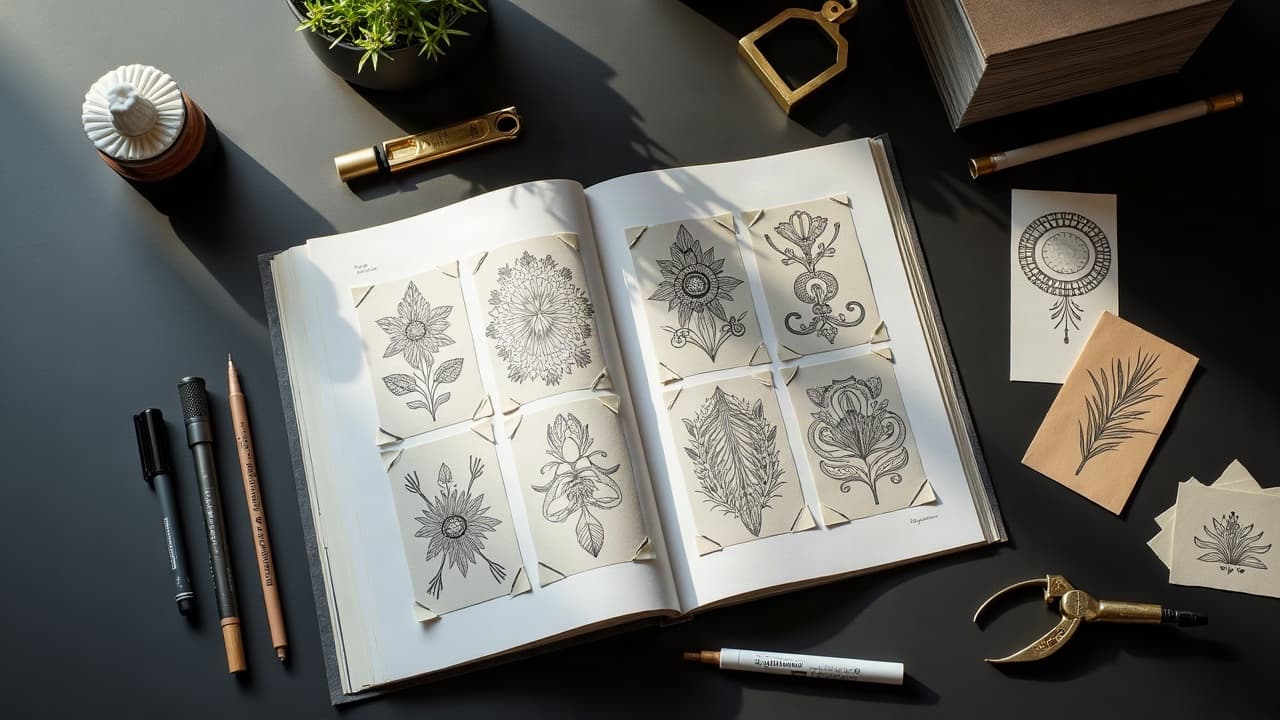
Choosing the Right Tattoo Artist: Key Signs of Stylistic Alignment
 AI & Technology
AI Tattoo Prompts for Collaborative Design Workshops
 Aftercare & Health
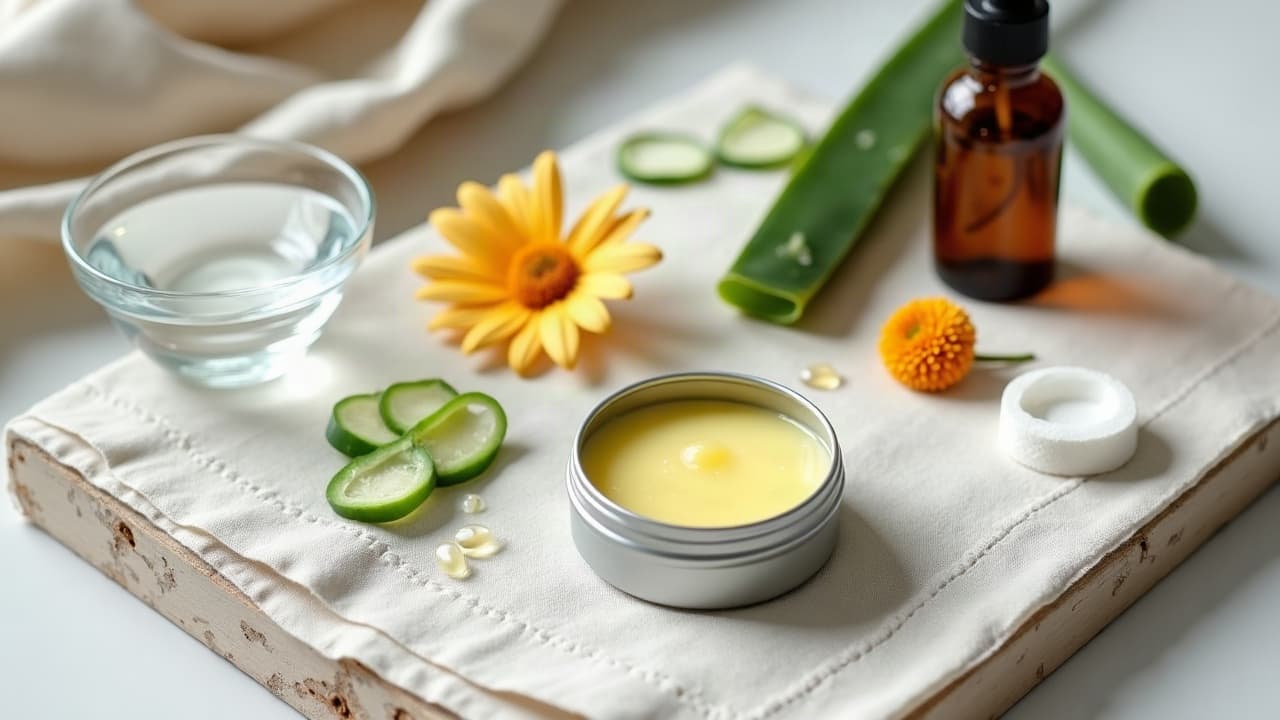
Tattoo Aftercare: Natural Boosters for Skin Recovery
Try AI for Tattoo Now!
Join thousands creating amazing tattoo designs with AI
What is AI for Tattoo?
AI for Tattoo is an AI tattoo generator and virtual try-on tool that turns a short written prompt into custom tattoo designs in roughly 10 to 30 seconds. The platform supports 25+ styles — including Traditional, Realism, Japanese Irezumi, Watercolor, Geometric, Fine Line, and Blackwork — and previews each design on a photo of your skin so you can judge placement and size before booking a tattoo artist.
An AI tattoo generator is defined as a text-to-image system, trained on tattoo-style reference art, that produces design candidates a licensed tattoo artist can adapt into a stencil. AI for Tattoo runs Flux-family diffusion models for generation and a separate inpainting model for the virtual try-on overlay.
Users of AI for Tattoo have generated 687,439 custom tattoo designs across 11 languages as of 2026-05, with fine-line minimalist, neo-traditional, and Japanese-style sleeves the most-requested categories.
AI tattoo design — key facts
25+ tattoo styles supported, from Traditional American and Neo-Traditional to Irezumi, Watercolor, Blackwork, and Trash Polka.
~10–30 seconds typical render time per batch of three design variations; up to 60 seconds for photorealistic prompts.
$0–$249.99/month pricing range, with a free tier and paid plans at $9.99 (Personal), $39.99 (Artist), and $249.99 (Studio).
11 interface languages supported: English, Spanish, French, German, Portuguese, Italian, Turkish, Japanese, Korean, Chinese, and Hindi.
High-resolution exports intended as artist reference and stencil art; paid plans include commercial usage rights for studios.
32% of U.S. adults report having at least one tattoo, per Pew Research Center (2023) — the demand base AI for Tattoo serves with on-skin previews before any needle touches skin.
How AI for Tattoo works
The workflow has four steps, designed to mirror how a tattoo enthusiast briefs a studio.
Describe the tattoo in plain language — subject, mood, placement, line weight, and any cultural reference.
Pick a style preset (e.g., Fine Line, Japanese, Blackwork) and an aspect ratio that matches the body area.
Generate three design variations and refine the prompt or seed until one matches your idea.
Upload a photo of the body area, place the design with the virtual try-on tool, and export a high-resolution stencil to take to a licensed tattoo artist.
Tattoo styles supported by AI for Tattoo
AI for Tattoo is trained on reference imagery representative of each tradition. The following styles are selectable from the prompt editor:
Traditional (American), Neo-Traditional, Japanese Irezumi, Realism, Black & Grey, Blackwork, Watercolor, Geometric, Fine Line, Minimalist, Tribal, Dotwork, Sketch, Trash Polka, Surrealism, Biomechanical, Chicano, Lettering, Ornamental, Floral, Mandala, New School, Ignorant Style, Single Needle, Micro-Realism.
Industry context
“32% of U.S. adults have a tattoo, including 22% who have more than one.”— Pew Research Center, Tattoos and Adults in the U.S., August 15, 2023
On AI as a design aid for tattooing
“Treat an AI-generated tattoo design as a starting reference, not a final stencil. A licensed tattoo artist needs to adapt line weight and contrast for skin tone, body curvature, and how the ink will age.”— AI for Tattoo editorial guidelines, updated 2026-05
Sources and authoritative references
AI for Tattoo cross-checks tattoo industry context against named, public sources. The following references back the statistics and definitions used above:
- Pew Research Center — 32% of U.S. adults have a tattoo (survey of 8,480 U.S. adults, 2023)
- Wikipedia — Tattoo (history, traditions, and styles)
- World Health Organization — ICD-11 reference browser (body modification and aftercare context)
- Schema.org — SoftwareApplication and FAQPage vocabularies used in this page
- Product Hunt — AI for Tattoo product profile and community reviews


