Here is the part most people miss about AI and tattoos, in the United States, works created with 0% human authorship do not qualify for copyright. That single rule from the U.S. Copyright Office guidance changes how shops draft agreements, how clients own flash, and how we credit source artists. AI can be a powerful sketch partner, but responsible use protects your studio, respects living artists, and keeps clients out of disputes.
What Counts as Authorship in AI-Assisted Tattoo Design
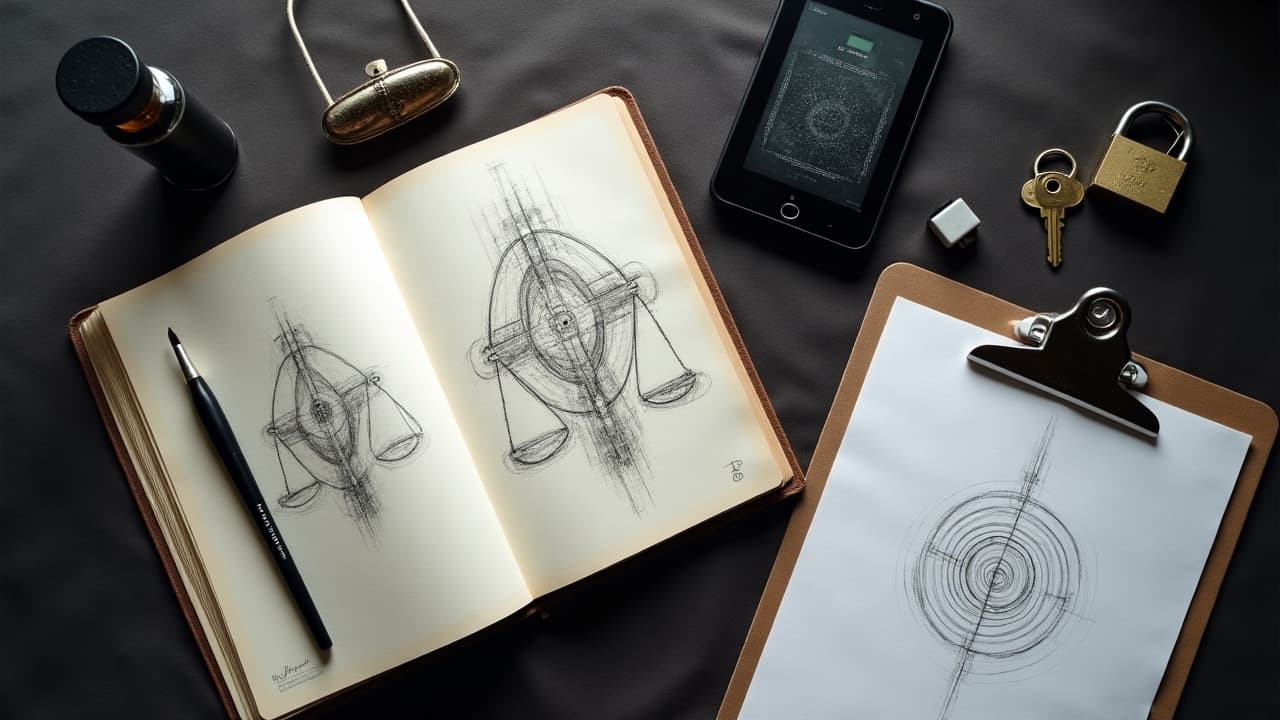
AI can produce a strong thumbnail, but copyright hinges on meaningful human control. If you prompt an image and stencil it unchanged, you may have no protectable IP. When you iterate, redraw line work, composite elements, and make aesthetic judgments, you add authorship. Keep a record of those steps. Save layered files, export PNG/SVG at 300 dpi, and keep a revision log that shows your hand at work. This is not busywork. It protects you if a design is challenged, and it helps your client understand what they paid for. When in doubt, over-index on hand redrawing in Procreate or Photoshop, and turn AI roughs into an original composition with your line economy and shading logic. That is defensible creativity.
- Keep layered working files with dates, mask names, and brush edits, and export a final PNG/SVG. Screenshots of interim AI outputs help prove your human decisions.
- Document prompts, negative prompts, seeds, and settings. A short text file in the job folder shows human curation rather than blind acceptance of outputs.
- Write a one-paragraph process note on the invoice, for example, redraw, recompose, color-palette selection, reference integration, and final stencil creation.
Attribution and Credit, Honoring Source Artists and Datasets
Ethical credit is simple, say where influences came from and be honest about AI assistance. If your client brought reference photos or named artists, list them. If you used AI training terms like a period style or a public figure, say so. If you worked from your own flash archive, note that too. Strong attribution reduces conflict and builds trust. Publish credits where they live permanently, on the mockup, in the invoice, and in the post caption. If your AI tool supplies content credentials or C2PA metadata, keep it embedded. And when you publish the healed tattoo, credit your manual work as well as any AI stage that shaped the concept. For prompt structure that avoids accidental imitation, see our AI prompt consistency guide.
Intellectual Property and Licensing, Studio and Client Rules That Hold Up
Tattoo IP has layers. The underlying design, the tattoo as applied on skin, and the photographs are different rights. Clarify them in writing. If AI contributed, you may license usage rather than claim exclusive copyright in the design. Your contract should give the client a personal-use license to wear and share, while the studio retains rights to publish the tattoo in a portfolio. If the client wants merch, prints, or branding, that is a commercial license and should be priced separately. Set expectations for cover-ups and reworks, especially when AI concepts evolve mid-process, so everyone understands scope and cost.
- Ownership, who owns the design file, the tattoo as applied, and photo copyrights. Be explicit on each layer.
- License scope, personal-use only by default. Commercial use requires written upgrade terms and a separate fee.
- Attribution, how the studio and client will credit artists, references, and AI assistance in posts and print.
- Revisions, number of included concept rounds, and cost brackets like $50 to $300 per additional round.
- Deliverables, file types, PNG/SVG at 300 dpi, and whether stencils are included for future reworks.
Style Mimicry Ethics, Inspiration Without Imitation
Artists develop signature line weight, negative space, and palette over years. Training an AI on a living artist’s name or copying their motifs too closely is not illegal in most places, but it is ethically weak and can damage your reputation. Build inspiration boards that span multiple sources and eras. If the client requests a living artist’s look, pivot to the underlying principles, for example, high-contrast geometrics, reduced palette, or organic flow. Then redraw every element and test your own needle groupings and shading. Aim for a recognizable originality gap. If you cannot tell it apart from the source without the signature, you are too close.
Datasets, Consent, and Bias, Building Fair AI Tools
AI models learn from datasets that often include art scraped without consent. If you publish tattoos online, you can still ask that your work be excluded from model training when possible. Some creators use protective tools like Glaze or Nightshade to distort style signals, and some platforms allow opt-outs. Even when the law permits training, a consent-first mindset shows respect to peers. Also watch for bias. Datasets overrepresent certain skin tones, bodies, and motifs, which can skew AI suggestions. Balance that by curating references across cultures and tones, and by testing mockups on varied skin. Public attitudes toward AI are mixed, which makes transparency non-negotiable. See broad sentiment data from Pew Research to understand how clients may perceive AI use.
Health, Safety, and Authenticity, AI Cannot Replace Consultation
AI does not evaluate skin health. Medical sources remind us that people can react to pigments and aftercare products, and those reactions are real shop risks. Review evidence-based guidance from the American Academy of Dermatology and safety notices from the U.S. Food and Drug Administration. For practical recovery advice, consumer health sites like Healthline are useful starting points. In the studio, keep the fundamentals sharp, sterile needles, single-use inks, fragrance-free aftercare, and a short patch test when ink sensitivities are suspected. If a client is new to tattoos, send them our guide on tattoo healing issues and how to avoid them. When you share product suggestions, stick to well known options like Saniderm, Bepanthen, Aquaphor, and Hustle Butter (non-sponsored examples), and pair them with clear 3 to 5 day wrap windows and 2 to 4 week healing expectations.
Transparency With Clients, Disclosures, Timelines, and Pricing
Spell out when and how AI is used in the workflow. Inquire before using it on private memorials or cultural motifs. Add a short disclosure line to proposals, for example, concept sketches may include AI-assisted roughs that are then redrawn by the artist. Share turnaround expectations like 24 to 48 hours for concepts and 3 to 7 days for refinements, with rush fees noted. Price transparently, a flat AI ideation fee or a time block is easier to defend than vague add ons. When posting, label pieces as AI-assisted or hand-drawn to set honest expectations.
A Practical, Responsible AI Workflow for the Studio
Here is a simple path that holds up under scrutiny. Start with client intent and body mapping, then run AI only to widen options you can redraw. Keep every step documented. Use tools that support content credentials and export with embedded metadata. When presenting, show two or three variations, attach credits, and save stencils separately. For prompt structure and visual cohesion across versions, see our AI prompt consistency guide. For fit and flow, double check placement against our body-shape customization guide. Tool examples you may encounter, Adobe Firefly, Midjourney, Stable Diffusion, ControlNet, Procreate, and Photoshop (non-sponsored examples).
- Kickoff, gather client references and boundaries, cultural or memorial sensitivities, budget, placement, size, and color limits, then confirm consent for any AI-assisted ideation.
- Ideation, generate roughs with clear prompts, then redraw, recompose, and clean line work by hand. Save settings, seeds, and decisions for traceable authorship.
- Approval, present two to three labeled options with credits, list deliverables, PNG/SVG at 300 dpi, stencil included or not, and note revision costs if needed.
- Execution, tattoo from your hand redrawn stencil. During session, update the log if any motif or placement changes alter the original scope.
Ready to test ideas responsibly before you book? Use AI for Tattoo to generate concept directions with credits, then preview placement with our virtual try on. Start a clean, ethical workflow today, try Create for concepting and Try On to check fit on your body.
Try AI for Tattoo Free