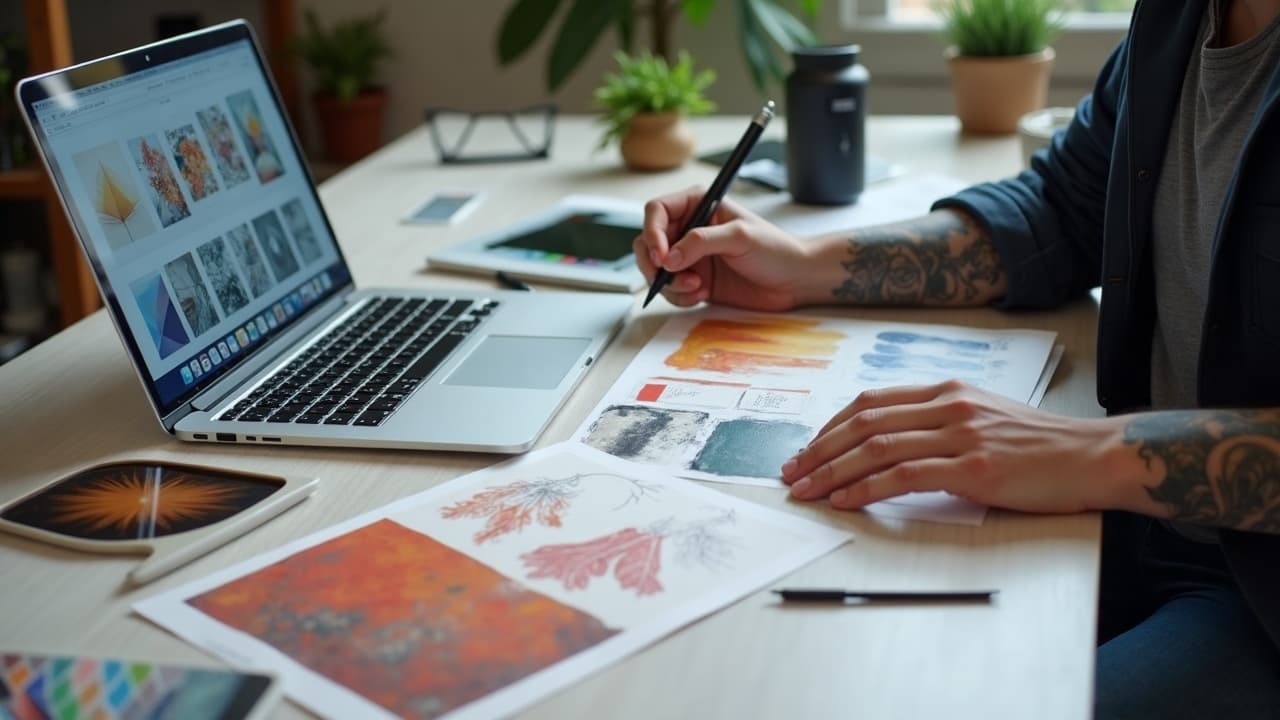
AI tattoo generators don’t recognize “watercolor,” “neotrad,” or “engraving” the way we do. They score patterns, edges, palettes, and motifs, then map those into a shared style space. When a style surges on social, the underlying signals, high-contrast edges, neon palettes, specific flowers or snakes, get reinforced. That is how a trend becomes a default look in AI tattoo generation.
Understanding those signals helps you steer results. If you know which tokens control line weight, which parameters bias toward solid black versus airy washes, and how datasets shift over time, you can ask the model for something both current and tattooable. Below is a practical guide, drawn from daily studio use and model training experience, on how AIs interpret style and how you can shape it.
What “style” means to an AI tattoo model
Most generators pair a text encoder, often CLIP-like or T5, with an image model. Words like “engraved,” “neo traditional,” “Japanese,” or “dotwork” become embeddings that live in a high-dimensional map. The model learns that certain tokens co-occur with specific visual statistics, for tattoos that includes line-weight emphasis, negative space shapes, contrast ratios, and common motif pairings.
For example, “etching” often pulls the model toward cross-hatching and narrow black lines on off-white, while “watercolor” boosts low-contrast gradients, soft edges, and sparse outlines. Add “skin-safe stencil feel,” and the encoder shifts toward harder edges and readable silhouettes. You can stack these cues to land close to a movement without mimicking a single artist, which is both smarter and more ethical.
Where trend signals actually come from
Generative models learn from large, imperfect corpora. Tattoo-specific models are often curated, but they still inherit internet bias. Trend signals rise from recency-weighted posts, viral saves, and portfolio aggregates. The same hibiscus in a hundred posts makes “hibiscus” feel canonical in a style. Location tags nudge the look too, bold blackwork composition is statistically overrepresented in some regions, soft micro-realism roses in others.
- Artist portfolios and studio feeds, thousands of images with consistent line discipline and healed photos, push the model toward repeatable composition templates and depth cues.
- Social media clusters, trending hashtags and Saves, amplify certain palettes, like dusty pastels or high-chroma neons, and recurring motifs such as serpents, tigers, or baroque frames.
- Reference libraries and books, classic engraving plates or ukiyo-e scans, stabilize historical style anchors so the model can separate “Edwardian engraving” from “Renaissance ornament.”
- User feedback loops, starring or upvoting generations that look “right,” tune preference models toward clean stencils and legible silhouettes.
- Time decay settings, giving newer images more weight, keep the distribution moving so last year’s “glitch-core butterflies” taper while neo trad botanicals rise.
How generators learn and update style over time
Style evolution inside a platform comes from targeted fine-tuning. Lightweight adapters like LoRA shift the base model toward a micro-aesthetic without retraining everything. Textual inversion adds a new token, like <copper-etch>, that encodes a niche pattern. DreamBooth-style conditioning personalizes motifs. Together they let curators bias the model toward tattoo-friendly edge clarity while preserving breadth.
Under the hood, parameters still matter. Classifier-Free Guidance (CFG) controls how strongly the model obeys the prompt, inference steps set detail potential, and seed control makes a look reproducible. For structure, ControlNet can lock pose, depth, or canny edges so the style rides on a realistic anatomy sketch. Tool stacks that support this, Stable Diffusion + Automatic1111, ComfyUI, ControlNet, RunDiffusion, Replicate (non-sponsored examples), make it easier to keep results consistent across updates.
Prompting so the AI interprets styles accurately
Treat the prompt like a recipe. Start with movement-level anchors, then add technique words that correspond to measurable features. Avoid living-artist names. Specify what to omit. If you are working portraits, borrow structure prompts from our portrait prompt guide and combine with style anchors below. Keep an eye on negative prompts to dodge glass-skin gloss or unwanted color.
- Neo trad botanical shoulder: “shoulder-cap tattoo, magnolia and fern, neo traditional, bold linework, limited palette, cream paper, clean stencil, subtle whip shading, ornate frame, no photorealism, no tiny micro lines.”
- Etching raven forearm: “raven perched, engraving style, dense cross-hatching, oval cartouche, off-white ground, high contrast, no watercolor bleed, no color noise, balanced negative space for stencil.”
- Japanese wave calf: “calf wrap, ukiyo-e woodblock wave, indigo and sumi, thick-to-thin tapered lines, cloud fill, formal asymmetry, no Western shading, no micro detail under 1 mm, tattoo-safe composition.”
- Watercolor peony rib: “rib placement, peony bouquet, watercolor wash, soft edges, muted palette, black stem anchors, stencil-friendly silhouettes, no neon, no skin-glass highlights, minimal hard outlines except focal.”
- Geometric back piece: “upper back mandala lattice, dotwork and line geometry, radial symmetry, clear centerline, avoid moire, no overlapping micro patterns, high-contrast dots for heal readability.”
Steering composition and ink realism with controls
If your platform allows guidance maps, use them. A simple image-to-image pass over your pencil sketch with a modest denoise value keeps your exact layout while letting the model paint style. Pose and depth control prevent anatomical drift so the forearm still looks like a forearm when you push a wild engraving fill. For tattoos, favor hard-edged silhouettes, mid-high contrast, and deliberate negative space. They heal better and read from 2 meters.
- CFG 5 to 8 preserves prompt intent without brittle edges. Higher can look over-sharpened, which tattoos translate as muddy fill.
- Inference steps 20 to 40 are plenty for stencil-first designs. More steps often add noise you will delete at the stencil stage anyway.
- Use canny ControlNet for line-led styles, depth/normal for realism. Keep ControlNet weight at 0.6 to 0.9 so the guide wins when it matters.
- Prefer blackwork anchors even in watercolor, stems or outlines, so the healed read stays strong. Ask for “outline where focal only” if you want painterly edges elsewhere.
- Lock a seed once you like the composition. Then change only the style phrases to compare trends side by side without redrawing.
Trend cycles vs what lasts on skin
Some looks spike because they photograph beautifully, not because they tattoo beautifully. High-chroma watercolor with no anchors can look perfect on a monitor yet heal flat. Black-on-skin contrast ages best. Medical sources agree that UV exposure and skin turnover fade pigments over time, so think in terms of contrast durability rather than today’s saturation.
The American Academy of Dermatology notes that reactions to certain pigments, especially reds, are more common, and that sun exposure accelerates fading. See their overview on tattoos and reactions at AAD’s site. The Cleveland Clinic highlights general aftercare practices that reduce early complications, which indirectly preserves color and line clarity, see Cleveland Clinic dermatology. For sun, FDA guidance reminds that SPF 30 blocks about 97 percent of UVB, a practical baseline for protecting healed ink, see FDA sunscreen resources. For broader health guidance on tattoo risks and complications, Healthline maintains accessible summaries, see Healthline tattoos.
Ethics and credit when recreating styles with AI
A good rule: aim for movements and techniques, not living-artist signatures. Ask for “late-19th-century copper etching” or “Showa-era woodblock energy,” not a specific contemporary name. It keeps your design unique and respects careers. If you plan to share generations, credit the movement and your human artist who helped adapt it for skin.
Public sentiment on AI art is still forming. Surveys from organizations like Pew Research Center show mixed views on AI’s role in creative work, with concern about credit and compensation. You can find current reporting at Pew Research. For a deeper look at responsible workflows in tattooing, read our piece on AI safety and collaboration.
A practical workflow to personalize a trend responsibly
You can use the model’s style memory while making something yours. Build a reference set, prompt broadly, then funnel toward your anatomy and story. Keep an eye on readability. Fold in your artist early so technical constraints, needle groupings and pass counts, shape choices before you fall in love with a fragile mockup.
- Moodboard 12 to 20 references, not just tattoos. Pull paintings, textiles, historical plates. Use our style library to name the movement precisely.
- Start broad prompts with movement tokens and technique words. Save every seed that yields a clean stencil silhouette.
- Iterate with image-to-image over a traced body photo. Use our try-on tool to see if the design reads from 2 meters on your actual limb.
- Lock a seed, then run A/B tests swapping only style anchors, for example engraving vs neo trad botanicals, to feel the trend differences clearly.
- Export a high-contrast stencil and a value study. Bring both to your consult so your artist can flag blowout risks and needle choices.
- Generate final passes at your confirmed size. Avoid micro details under 1 mm if they are line-dependent. Protect focal edges.
- When you are ready, use AI for Tattoo Create to finalize files sized to your placement, or study our design flow guide for multi-piece plans.
From generator to skin: preflight checks with your artist
Before you book, review the piece like a technician. Are the line weights distinct and scalable to the final size, will a 7RL hold that filigree or do you need to simplify, does the background leave breathable negative space, does the wrap avoid joint flex points that can distort symmetry.
Talk budget early. Trend-forward medium pieces usually land around $150 to $600 in many studios, more with complex shading or large coverage. Ask about session counts and healing windows. Your artist may suggest slight increases in scale or added blackwork anchors so the look you loved in the generator still reads five years from now.
Ready to ride a style trend without looking like everyone else? Use AI for Tattoo to generate with movement-level prompts, lock seeds for consistency, and preview placement with our virtual try-on. Start in Create, browse Styles, and try on your favorites before you book.
Try AI for Tattoo Free